A text file in, a polished PDF out
Write the words. The deck builds itself.
You write the deck as a Markdown file and pick a named layout for each slide. Lattice assembles every page against one shared palette — no dragging, no nudging, no formatting drift.
No install to try it. Runs on your laptop or in CI. Fully offline. MIT-licensed.
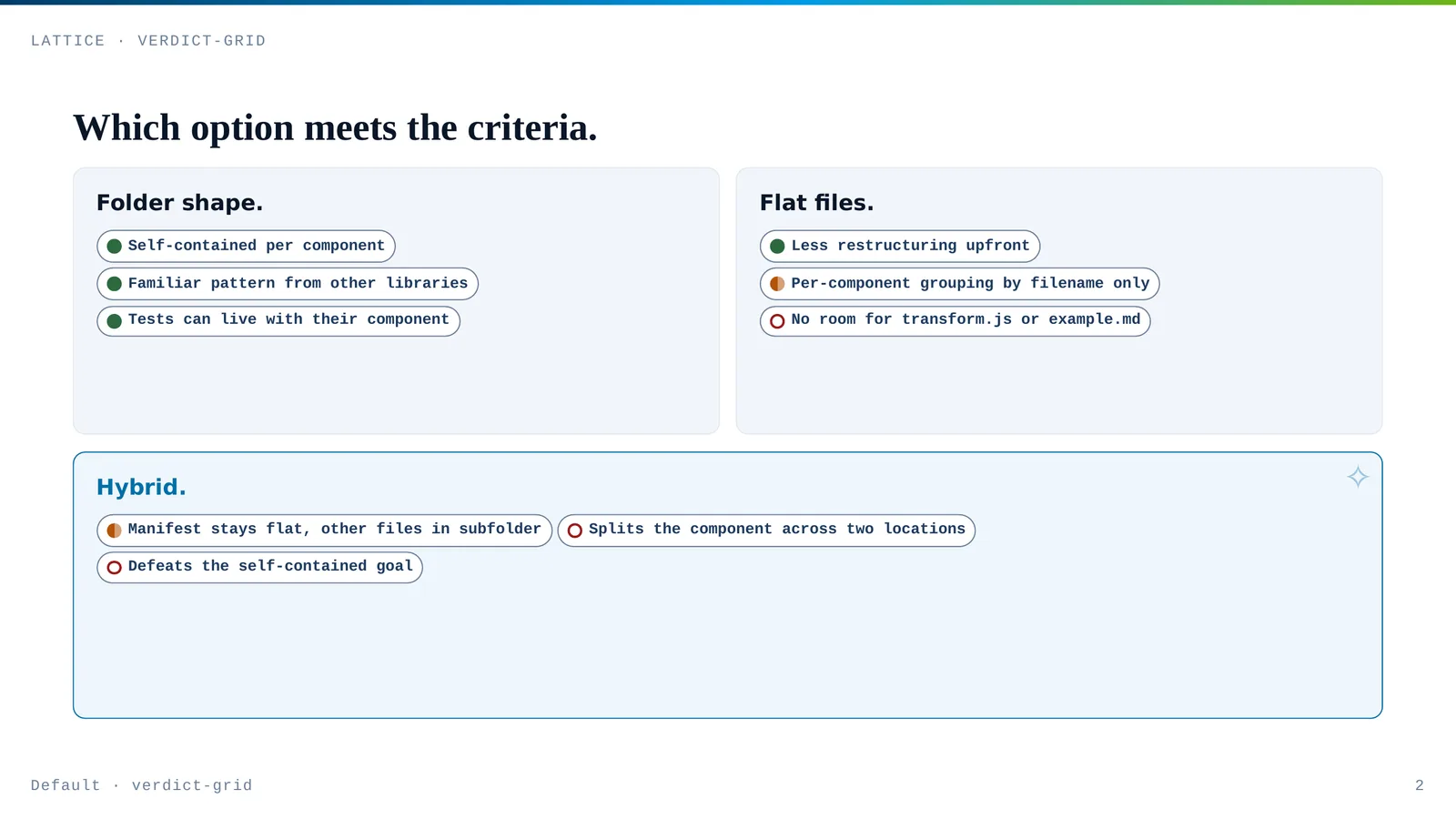
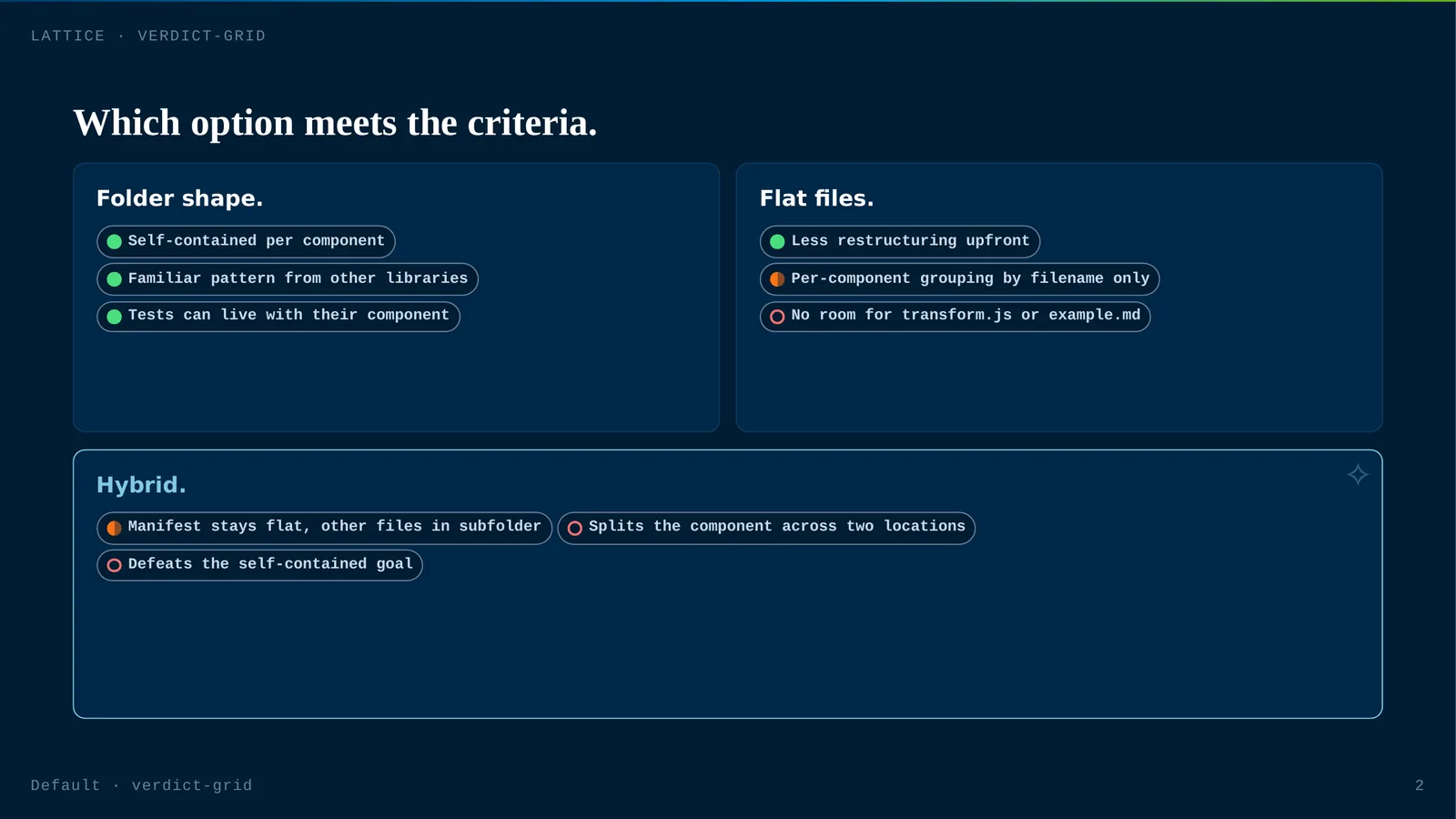
<!-- _class: verdict-grid -->

## Which data platform clears the bar.

- **Build in-house.**
  - [ ] Certified
  - [-] Residency
  - [ ] Export
  - Full control of every axis, and three engineer-quarters from having any of it.
- **Vendor North.**
  - [x] Certified
  - [x] Residency
  - [-] Export
  - Certified and in-region, but data export is support-gated, not self-serve.
- **Vendor West.**
  - [x] Certified
  - [x] Residency
  - [x] Export
  - Certified, in-region, and self-serve on every axis. Recommended.
Whatever you do, there's a slide for it
Plain Markdown — in the native language of your work.
You write the same lists, tables, and fenced blocks you already know. Lattice renders each in the notation your discipline expects — no drawing tools, no boxes to nudge.
Mathematicians, quants & ML
Real KaTeX equations — Definition / Theorem / Proof cards, derivation chains with a justification column, matrix decompositions, an equation beside its plot.
Edit this deckProject leads
Gantt charts, kanban boards, roadmaps, journeys, and step ladders — native SVG rendered straight from a list, not pasted in from Visio.
Edit this deckEngineers & architects
All 25 Mermaid diagram types, auto-themed to the deck. State charts. Side-by-side code diffs, syntax-highlighted, from two fenced blocks.
Edit this deckLawyers & compliance
Statute stacks, authority chains, obligation matrices, citation cards, and regulatory-update layouts — an actual legal vocabulary.
Edit this deckAnalysts
Radar, quadrant, KPI, stats, progress, pie, and word-cloud — the evidence layouts that turn numbers into an argument.
Edit this deckAnd the basics, for everyone
A bullet list becomes a card grid; a table becomes a comparison matrix. Fifty-eight layouts, one Markdown syntax.
Edit this deckWhy decks drift, and why these don't
Every deck looks like it came from the same team — because it did.
Slide tools make every slide a blank canvas, so the headline font on page 4 drifts from page 5 and the accent blue wanders between two shades. Lattice removes the canvas. You choose meaning; the engine owns the pixels.
Brand colors live in one file.
Change a palette once; every deck picks it up on the next build. Layouts never name a colour — they read var(--token).
A git diff shows what changed.
A deck is text. Revisions read like code review — line by line — instead of hunting for the box that moved three pixels.
Mermaid diagrams render in the palette.
Flowcharts and sequence diagrams pick up the deck's tokens automatically. No per-diagram styling, no recolouring by hand.
Contrast is WCAG AA across every layout.
Accessibility is built into the token contract, not bolted on. Light and dark both clear the bar.
Fifty-eight layouts, one vocabulary.
Function · Form · Substance · Finish organizes the catalog, so "which layout do I want?" has an answer that isn't scroll the gallery.
No service, no account, no telemetry.
The engine is a build step. It runs where your code runs and sends nothing anywhere.
One source, every palette
Change one line. Restyle the whole deck.
Watch a single slide move through all thirteen palettes — in light
or dark. Brand colours live in one file and the layouts never name a
colour, so a whole deck restyles by editing one theme: line.
Where to go next